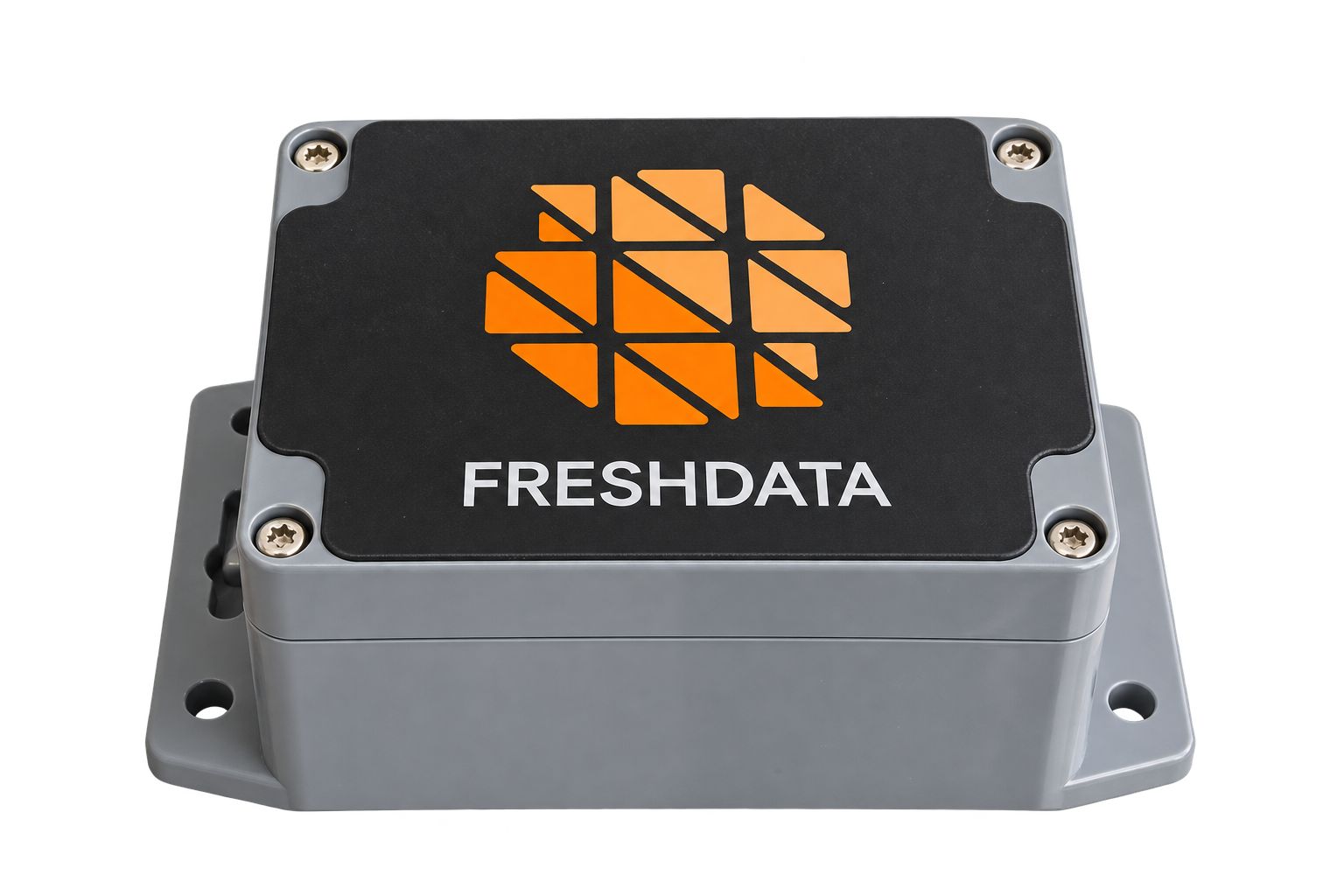
FRESHDATA Relay
One battery-powered relay, two modes. Relay mode implements the LoRa Alliance® TS011 specification for end devices that support it. Extender mode serves the LoRaWAN® 1.0.3 and earlier fleet that TS011 can never reach — with no change on the device and none on your network server.
The coverage problem
Placing gateways is a hard call: a sensor’s range shifts with walls, terrain and interference, so dead zones often show up only after installation. Covering them with another gateway means backhaul, mains power and a site to host it — for a handful of devices.
What the Relay does instead
It closes those gaps for about the price of an end device. It runs on batteries and works entirely over the LoRa® radio link — no backhaul, no power connection — so it goes wherever the missing devices are.
One Device, Two Modes
The same hardware covers both halves of a LoRaWAN® fleet
Relay mode
- Built to TS011 1.0.1. Fully implements the LoRa Alliance® relay specification.
- Payloads stay encrypted. Frames are wrapped with the relay’s own session keys, so it can neither read nor alter what a device sent.
- Managed from the server. Up to 15 end devices, paired and configured with the standard relay MAC commands.
- Uplinks and downlinks. Confirmed and unconfirmed uplinks, and downlinks back to the end device.
Extender mode
- No changes anywhere. No firmware change on the sensor, no integration on the network server.
- Frame repeated unchanged. Original DevAddr, frame counter and MIC — the server sees a normal uplink from the end device.
- Holds no keys. Frames are selected by DevAddr alone; payloads stay encrypted end to end.
- Wakes on schedule. Exploration learns each device’s reporting period, so the relay wakes only when that device transmits.
How Each Mode Works
Relay mode
The TS011 Wake-on-Radio sequence, from end device to network server
-
WOR preamble
The end device sends a Wake-on-Radio preamble carrying the uplink channel and data rate.
-
CAD & WOR-ACK
The relay detects the preamble during a Channel Activity Detection check, wakes, and replies with a synchronized WOR-ACK.
-
Relayed uplink
The end device transmits its encrypted LoRaWAN® frame to the relay on the agreed channel.
-
Forwarding
The relay forwards the frame to the gateway and network server over the dedicated port (
LA_FPORT_RELAY).
Extender mode
Four states, from power-on to steady operation
-
Initialization
Hardware starts and the stored configuration and device list are loaded from non-volatile memory.
-
Registration
Devices are added from the USB Type-C console by DevAddr. Supplying the reporting period here makes exploration a single cycle.
-
Exploration
The relay listens to learn each device’s transmit timing and the offset it must wake at. One cycle with a known period; longer when the period is unknown.
-
Operation
Sleep, wake at the predicted moment, receive, forward. A missed frame widens the next window; after three, that device is explored again.
Mode Comparison
Everything the two modes do differently. The hardware is the same in both.
| Relay mode | Extender mode | |
|---|---|---|
| Protocol | LoRa Alliance® TS011 1.0.1 | Proprietary LoRa® relay |
| End devices | LoRaWAN® 1.0.4+ with TS011 support | LoRaWAN® 1.0.3 and earlier |
| Activation | OTAA and ABP | ABP only |
| Traffic relayed | Uplinks (all types) and downlinks | Unconfirmed uplinks only |
| Channels | Multi-channel | Single fixed channel, ADR off |
| Reporting | Periodic or event-driven | Periodic only |
| Network server | TS011-aware server | No integration — sees a normal uplink |
| Keys held | Relay’s own session keys | None — DevAddr filter only |
| Devices served | Up to 15 | Tested with 10 — no fixed limit |
| Setup | From the network server | USB Type-C console, by DevAddr |
| Battery life | 3 years — varies with setup | 10 years — 10 devices, 12 h period |
Technical Specifications
Shared by both modes
Physical
| Module | Semtech SX1262-based |
|---|---|
| Dimensions | 120 × 76 × 70 mm |
| Weight | 81 g empty · < 250 g fitted |
| Enclosure | ABS, outdoor, IP67 |
| Antenna | 2 dBi external, 50 Ω, SMA / U.FL |
| Operating temp. | −20 °C to +70 °C |
| Interfaces | USB Type-C console · RS-485 (optional) |
| Clock drift | ±20 ppm @ 25 °C (≈ 72 ms/h) |
Radio & power
| Frequency band | EU868 / US915 |
|---|---|
| Spreading factors | SF7 – SF12, programmable |
| Bandwidth | 125 / 250 / 500 kHz |
| RX sensitivity | −137 dBm @ SF12 / 125 kHz |
| TX power | Up to +16 dBm EIRP (EU868 limit) |
| Battery | 2 × AA LiSOCl₂ 3.6 V |
| Power source | Battery only, no mains |
Battery life scales with the number of end devices and how often they report — forwarding takes most of the energy. Contact FRESHDATA for an estimate for your deployment.
Deployment Scenarios
Where it fits
Basement metering
Meters in basements and utility rooms the gateway cannot hear.
Beyond gateway reach
Outlying sensors at the edge of a rural or agricultural deployment.
Obstructed terrain
Hills and buildings blocking the direct path to the gateway.
Relay Mode: Configured from the Network Server
In Relay mode the device is managed with the standard TS011 MAC commands. No proprietary tool, and no visit to the site once it is installed. In Extender mode, devices are registered by DevAddr from the USB Type-C console.
ForwardLimitReq/Ans
Sets the forwarding limit that prevents packets looping between relay and gateway.
NotifyNewEndDeviceReq/Ans
Tells the network server when a new end device pairs with the relay.
EndDeviceConfReq/Ans
Configures the channel and data-rate limits applied to each served device.
Planning a relay deployment?
Send us your end-device model, network server and channel plan, and we will tell you which mode fits — before you order anything.
Contact FRESHDATA →